01 · Rent to the subletter
The subletter supplies their own payment details. CanLet never receives or holds rent, and has no way to get it back for you.

Load a fictional student request and a room that fits. Then review them as the operator, or fill in the forms below.
A furnished room for your whole stay, with a person checking the details before you pay.
A person would now review your admission letter. You can simulate that review to explore the next step.
This is a fictional example, not an available property or a market rent estimate.
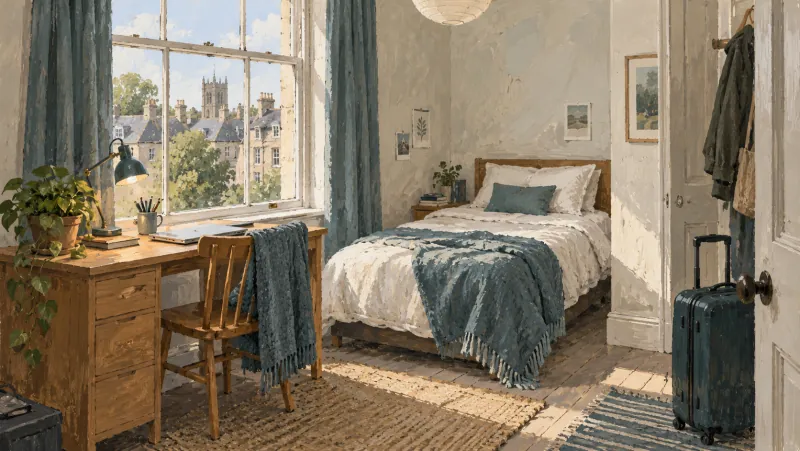
Subletter’s sample description; confirm these details together during the room check.
Rent goes directly to the subletter.
Sample terms only. Signatures are simulated in Operator view.
The subletter supplies their own payment details. CanLet never receives or holds rent, and has no way to get it back for you.
A separate fee link comes after the checks and contract. The fee amount is not set here. No payment link is connected.
Try reporting cleanliness, noise or a missing amenity. This only adds a fictional case to the operator demo; nobody is contacted.
Share the details of your furnished room. A person checks them before proposing it to an incoming student.
The operator matches this request to your room. The student’s sample email stays with the operator.
Queen’s email, dates and price, at least five photos, landlord consent, and rent at or below your lease. No real verification happened in this demo.
Explore a sample operator workspace. This view is public in the prototype; it is not a secured admin system.
| Pair | Current step | Room readiness | Review |
|---|
Counts come from the sample pairs in this browser. They are not Experiment 3 results. A custody question that was never asked is not counted as a yes.
All controls simulate checks on fictional files.
No sample concern for this pair.
A demo status is not real support, compensation or a recovery of rent.
Instructions are a demo milestone only. No email, contract or payment link is sent.